








Learn how website structure for SEO affects rankings, crawling, and user experience — with a practical framework to organize your site.
On this page11 sections
- 01What Is Website Structure in SEO?
- 02How Does Website Architecture Affect SEO?
- 03Common Website Structure Models
- 04How to Structure a Website for SEO: A Step-by-Step Framework
- 05Internal Linking Structure: The Connective Tissue
- 06URL Structure Best Practices
- 07Click Depth: Why It Matters More Than You Think
- 08Common Website Structure Mistakes
- 09Conclusion
- 10Get in touch with Brand Elite
- 11FAQs
Learn how website structure for SEO affects rankings, crawling, and user experience — with a practical framework to organize your site.
A well-written page can still struggle to rank if it's buried five clicks deep with no internal links pointing to it. That's the part of SEO that content alone can't fix: website structure for SEO. This guide explains how organizing your website's pages, navigation, and internal links affects search visibility — and gives you a practical framework to fix or plan your site architecture.
What Is Website Structure in SEO?
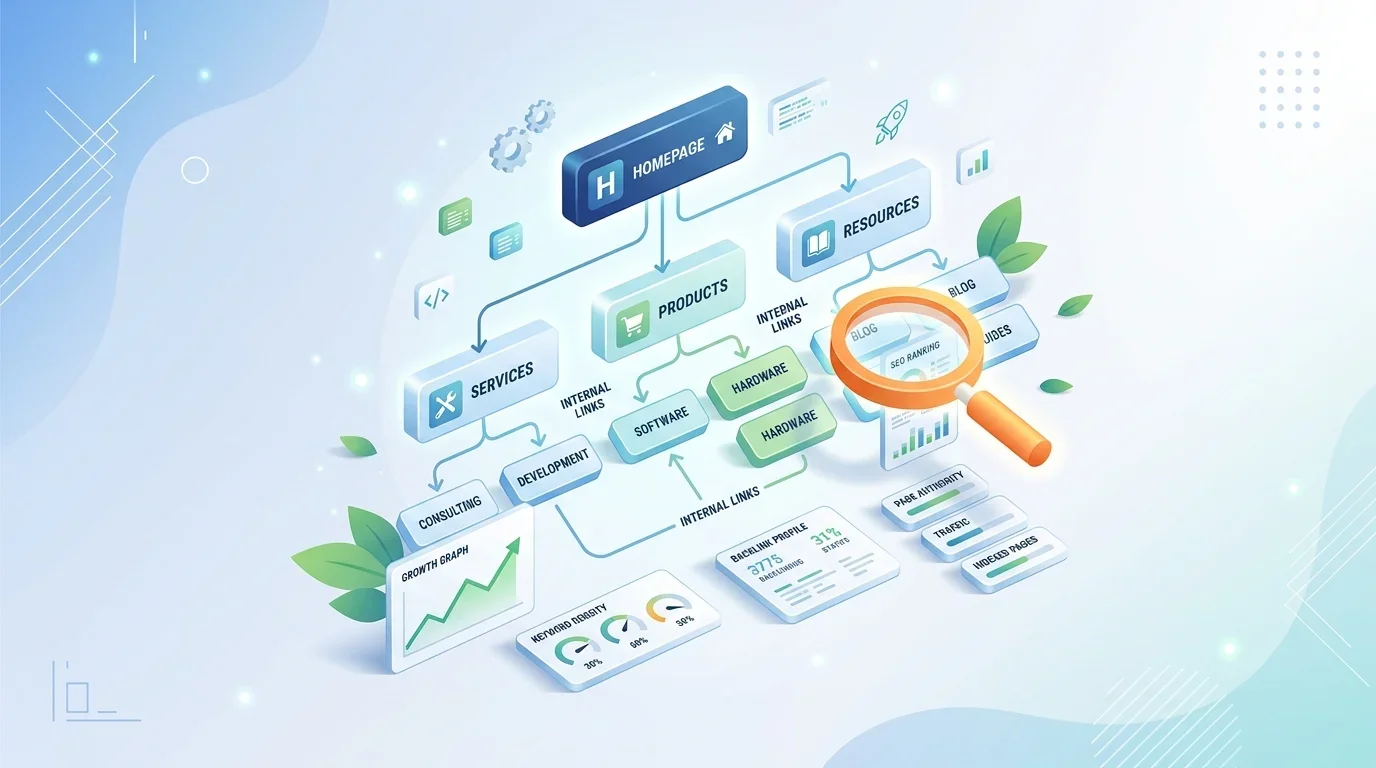
Website structure in SEO refers to how a site's pages are organized, categorized, and linked to one another — essentially, the map that both users and search engines use to navigate and understand a site. A clear SEO website architecture groups related content logically, keeps important pages easily reachable, and uses internal links to show which pages matter most.
Think of it like a library. If books are scattered with no categories or labels, visitors — and search engine crawlers — struggle to find anything relevant. A well-organized structure, by contrast, groups related "books" (pages) together and makes the most important ones easy to find.
How Does Website Architecture Affect SEO?
Website architecture affects SEO by influencing how easily search engines can crawl and index pages, how link authority flows across the site, and how effectively users can find what they're looking for. A disorganized structure can leave valuable pages under-crawled, under-linked, and effectively invisible in search results — regardless of how good the content on them is.
Three mechanisms explain most of this effect:
- Crawl efficiency — search engines allocate limited resources to crawling a site. Pages that are hard to reach may be crawled less frequently, or missed entirely on larger sites.
- Authority distribution — internal links pass relevance and authority signals between pages. A page with no internal links pointing to it typically receives very little of this signal, even if it's excellent content.
- User engagement signals — a confusing structure increases bounce rates and reduces time on site, both of which can indirectly affect how search engines assess page quality.
Common Website Structure Models
Most websites follow one of a few structural models, often blended depending on site size:
| Model | Description | Best suited for |
|---|---|---|
| Flat structure | Most pages are one or two levels from the homepage | Small business sites, portfolios |
| Hierarchical structure | Homepage → categories → subcategories → pages | Content-heavy sites, e-commerce |
| Silo structure | Topic clusters grouped tightly with internal links, minimal cross-linking between silos | SEO-focused content sites, service businesses targeting multiple topics |
| Hub-and-spoke | A central pillar page links out to related cluster pages, which link back | Blogs and resource-heavy websites |
Most practical SEO-friendly website structure setups are a hierarchy with strong topic clustering — deep enough to organize large amounts of content, but shallow enough that nothing important is buried.
How to Structure a Website for SEO: A Step-by-Step Framework
If you're wondering how to structure a website for SEO from scratch, or restructuring an existing one, this general sequence works for most business websites:
1. Map Your Core Topics and Pages
List every page your site needs or already has, and group them by topic. This becomes the basis of your category structure.
2. Establish a Logical Hierarchy
Organize pages into a homepage → category → subcategory (if needed) → individual page structure. Avoid creating categories with only one or two pages in them, and avoid nesting subcategories more than one or two levels deep.
3. Keep Important Pages Close to the Homepage
Service pages, key product categories, and high-conversion pages should generally be reachable within two to three clicks from the homepage. Pages buried deeper are crawled less frequently and receive less authority through internal links.
4. Plan Your Navigation Menu
Your main navigation should reflect your top-level categories only — not every page on the site. Overloaded navigation menus can dilute the SEO value of top-level links and confuse both users and crawlers.
5. Build Internal Links Deliberately
Once your hierarchy exists, connect related pages through contextual internal links (not just navigation menus) — see the next section for specifics.
6. Create and Submit an XML Sitemap
An updated XML sitemap helps search engines discover pages efficiently, especially on larger sites, and should reflect your actual site hierarchy rather than being a flat, unordered list of URLs.
7. Audit Regularly
Site structure isn't a one-time project. As new pages get added, periodically check for orphaned pages (pages with no internal links pointing to them) and re-evaluate whether your category structure still makes sense.
Internal Linking Structure: The Connective Tissue
A strong internal linking structure is what actually connects your site's architecture together — without it, even a well-planned hierarchy underperforms.
Effective internal linking involves:
- Contextual links within content — linking to related pages from within body text (not just "click here") passes more relevant context than navigation links alone.
- Linking from high-authority pages to newer or weaker pages — pages that already rank well or get traffic can pass some of that authority to less-established pages through internal links.
- Breadcrumb navigation — shows users (and crawlers) exactly where a page sits within the site hierarchy, and reinforces the structural relationship between pages.
- Avoiding orphaned pages — every important page should have at least one, ideally several, internal links pointing to it from relevant content elsewhere on the site.
URL Structure Best Practices
A clean, descriptive URL structure reinforces your site hierarchy and helps both users and search engines understand a page's place within it. A few practical guidelines:
- Reflect the hierarchy in the URL path (e.g., /services/seo-audit/ rather than an unstructured string of characters).
- Keep URLs reasonably short and readable, avoiding unnecessary parameters where possible.
- Use hyphens to separate words, and keep the primary keyword or topic clearly identifiable in the slug.
- Keep URL patterns consistent across similar page types (all blog posts under /blog/, all service pages under /services/, etc.).
Click Depth: Why It Matters More Than You Think
Click depth refers to how many clicks it takes to reach a page starting from the homepage. As a general guideline, keeping your most important pages within about three clicks of the homepage is a reasonable target — pages that require five or more clicks to reach are often crawled less frequently and tend to receive noticeably less internal link authority.
This doesn't mean your site needs to be entirely flat — a deep site with many pages can still perform well if it's "flattened" appropriately, meaning the number of clicks to reach any given page is minimized even while multiple category levels exist underneath. This is typically achieved through strategic internal linking and category pages that directly link to important subcategory or product pages, rather than forcing users through multiple sequential steps.
Common Website Structure Mistakes
- Overly deep nesting — categories within categories within categories, burying important pages many clicks from the homepage.
- Orphaned pages — pages that exist but have no internal links pointing to them, making them hard for both users and crawlers to discover.
- Inconsistent or duplicate categorization — the same type of content organized differently in different parts of the site, confusing both users and search engines about a page's relevance.
- Navigation overload — trying to fit every page into the main menu, which dilutes focus and can hurt usability.
- Ignoring mobile navigation — a structure that works on desktop but becomes unusable or hidden behind excessive menus on mobile devices.
- No clear sitemap or outdated sitemap — missing or stale XML sitemaps can slow down discovery of new or updated pages, particularly on larger sites.
Conclusion
Good website structure for SEO isn't about following a rigid formula — it's about making sure your most important pages are easy for both users and search engines to find, understand, and reach in as few steps as possible. A clear hierarchy, deliberate internal linking, sensible URLs, and regular audits go a long way toward ensuring your content actually gets the visibility it deserves. If you're planning a new site or restructuring an existing one, pairing your architecture decisions with a broader on-page SEO strategy helps ensure structure and content work together rather than in isolation.
Brand Elite Website Development And SEO services company in Bangalore can help you plan and execute your website architecture with SEO best practices in mind.
Get in touch with Brand Elite
Frequently Asked Questions (FAQs)
1. What is website structure in SEO?
It's how a site's pages are organized, categorized, and linked together — the framework that helps both users and search engines navigate and understand the site's content and priorities.
2. How does website architecture affect SEO?
It affects how efficiently search engines crawl and index pages, how internal link authority flows between pages, and how easily users can find what they need — all of which can influence rankings.
3. How do I organize website pages for SEO?
Group related content into logical categories, keep important pages within a few clicks of the homepage, use a clear and consistent navigation menu, and connect related pages through contextual internal links.
4. What is click depth, and why does it matter?
Click depth is the number of clicks needed to reach a page from the homepage. Pages that are too many clicks deep tend to be crawled less often and receive less internal link authority, which can affect their visibility in search results.
5. How many categories should a website have?
There's no fixed number — it depends on how much content the site has. The goal is logical grouping without creating categories that are too broad (diluting relevance) or too narrow (fragmenting authority across too many thin pages).
6. Does internal linking really affect rankings?
Internal links help search engines discover pages and distribute authority across a site. Pages with little or no internal linking tend to be less visible in search results, even when the content itself is strong.
7. How often should I audit my website structure?
A periodic review — for many businesses, every few months or after major content additions — helps catch orphaned pages, broken navigation, or categories that no longer reflect the site's actual content.